Hey everyone, just thought I’d give a brief update. Around the same time I started working on the retro shader stuff, I started getting full-day headaches every day. It’s been about 2 weeks of this and it’s made most tasks somewhat difficult. I had to take it easy and try to micro-manage my health since relatively few things would make it better and many things would make it worse. Today has been the first day in a while my brain has felt kinda normal since the headaches started.
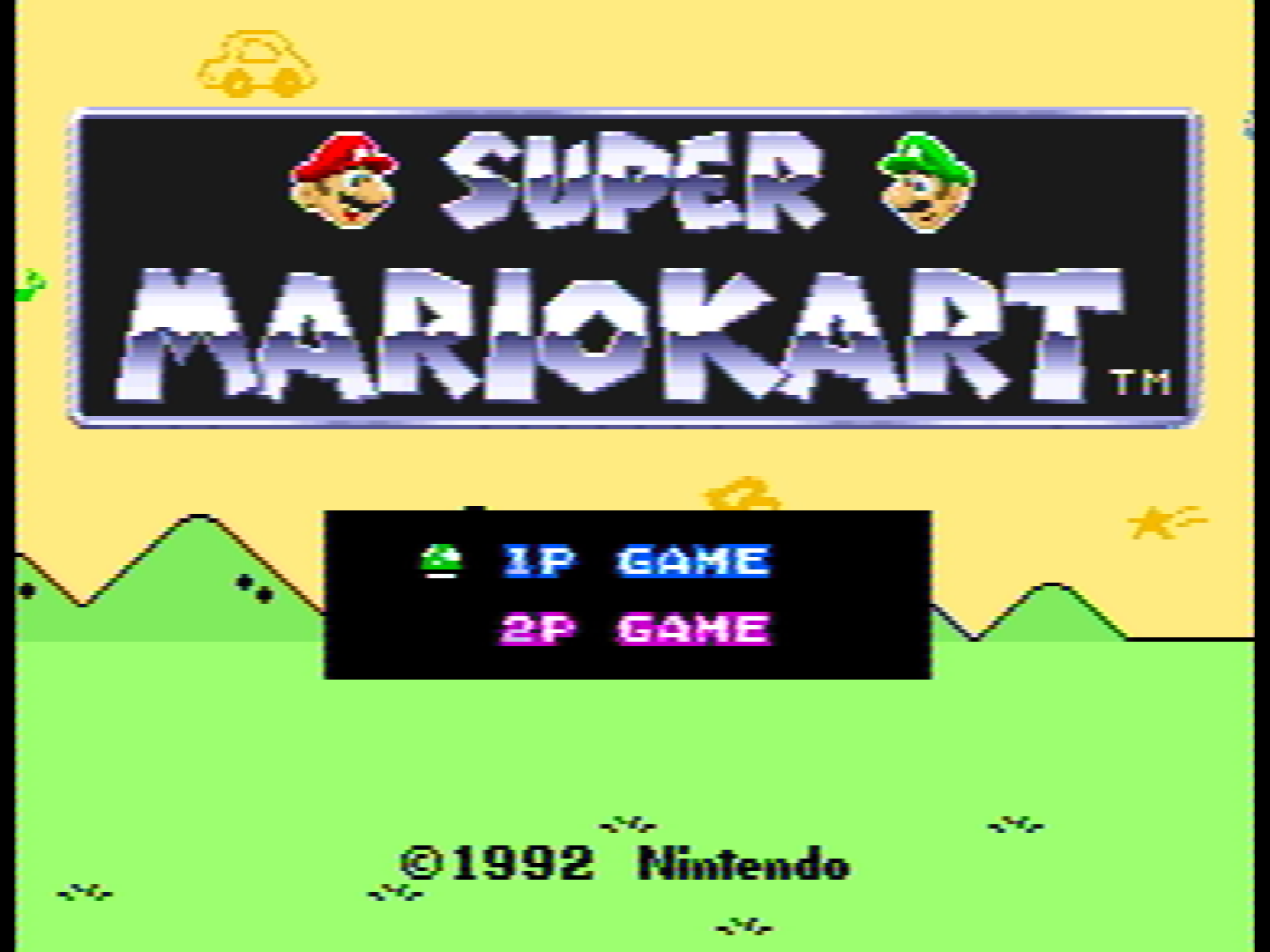
Despite that, I’m still intent on working on shader stuff if possible, since it has been fun. I’d like to be able to use mGBA to emulate Super Game Boy games as if I was playing them on a CRT screen. You see, the Super Game Boy is a Super Nintendo add-on that allowed gamers to play their Game Boy games oon their SNES, with a couple of features (like specialized palettes and borders) added. I have the analog video filter for it basically ported over (it’s Themaister’s NTSC-256px-Composite shader), but there’s a few small problems.
-
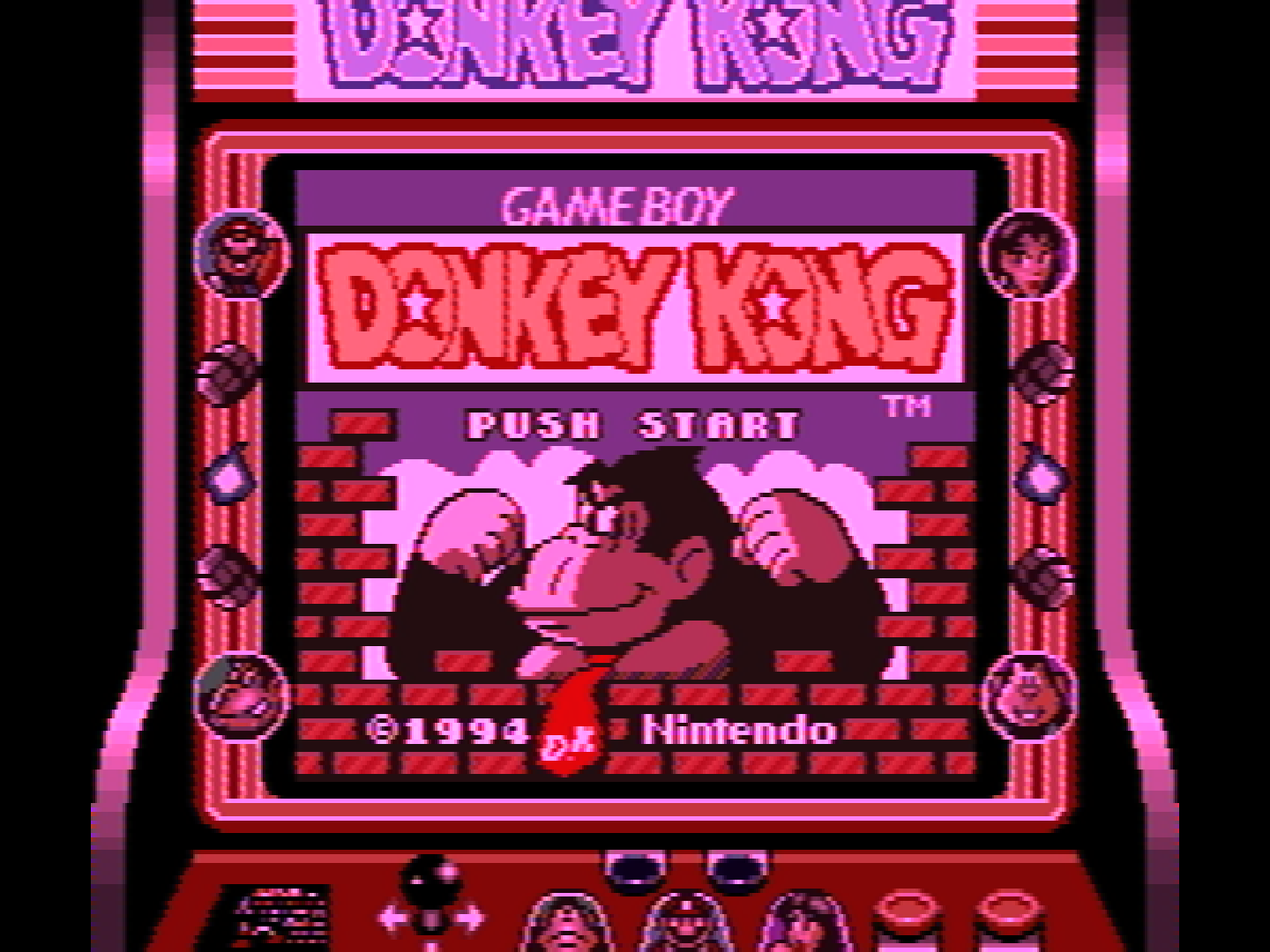
mGBA always renders shader passes to an integer framebuffer
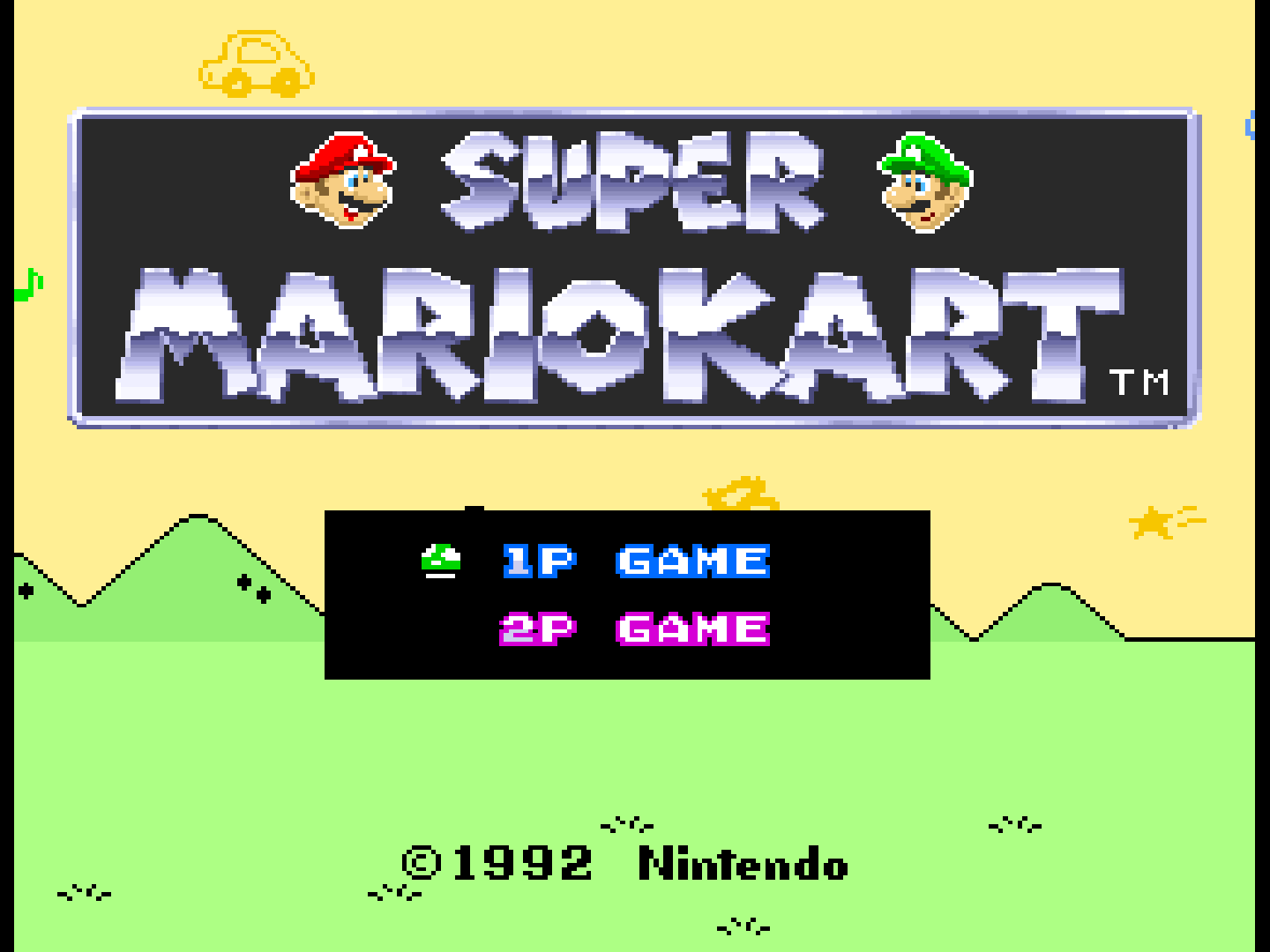
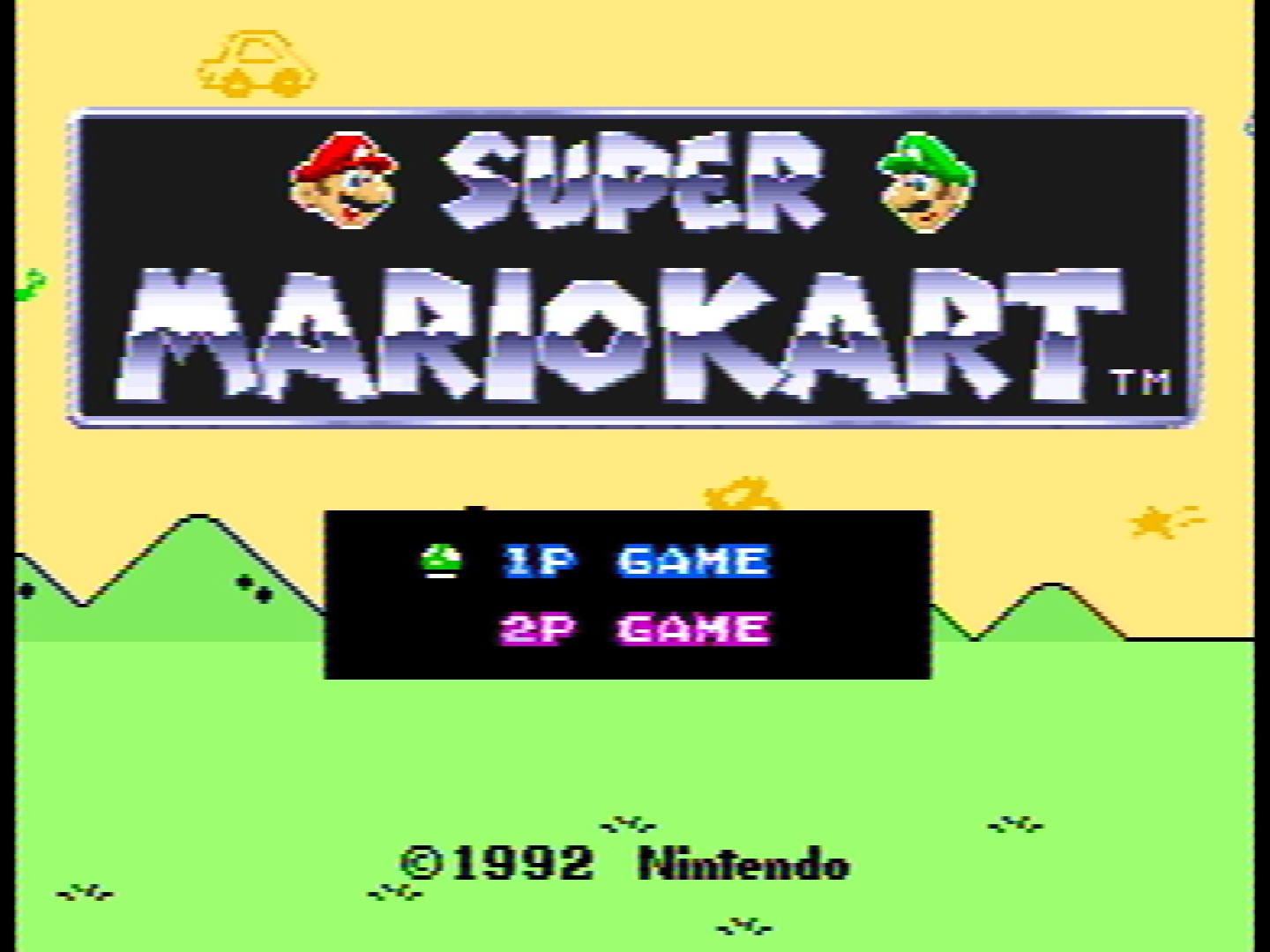
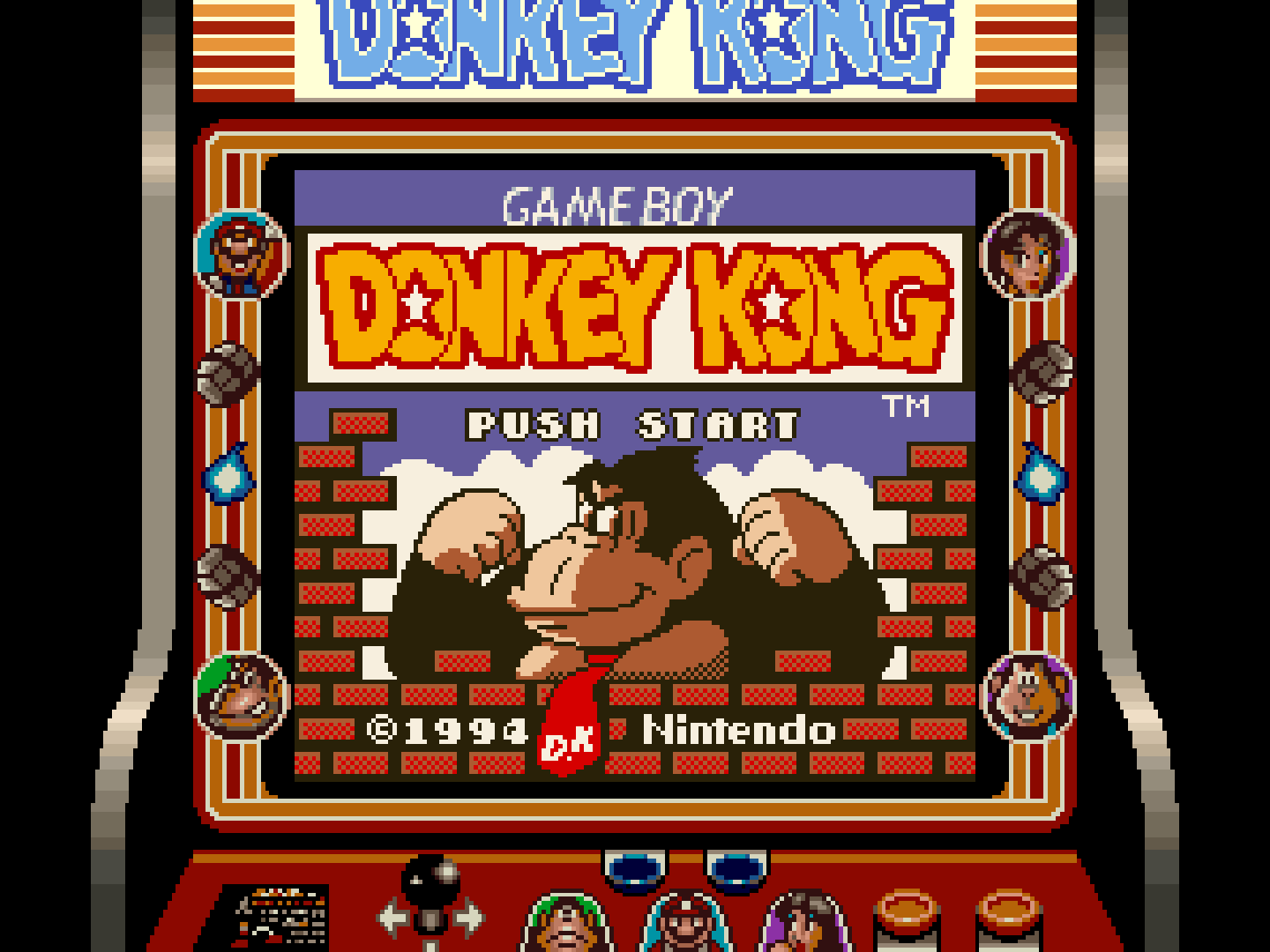
The shader I’m porting uses 2 passes. The first basically processes input RGB pixels and renders the corresponding analog signal values to a cache, and the second pass reads the cache, does some more processing to simulate the analog signal characteristics, and renders the result back into RGB pixels. When the first pass is rendered to an integer framebuffer, some information is lost, and the output pixels look very magenta-ish instead of their intended colors.
-
mGBA doesn’t pass information about frame count/time to shaders
The shader I’m porting uses information about the number of frames being rendered to simulate signal jitter. mGBA currently doesn’t pass any of that info to its shaders, so this effect can’t be simulated yet.
-
mGBA doesn’t have any aspect ratio correction features
As stated in my last post, video output from older consoles like the SNES were almost always stretched horizontally a little bit, but currently mGBA provides no way to simulate this characteristic… after all it’s technically not an SNES emulator, it’s a Game Boy (Color/Advance) emulator. (Although I remember reading that sometimes a bit of SNES emulation is needed to get the SGB features working, so the lines are blurred there.)
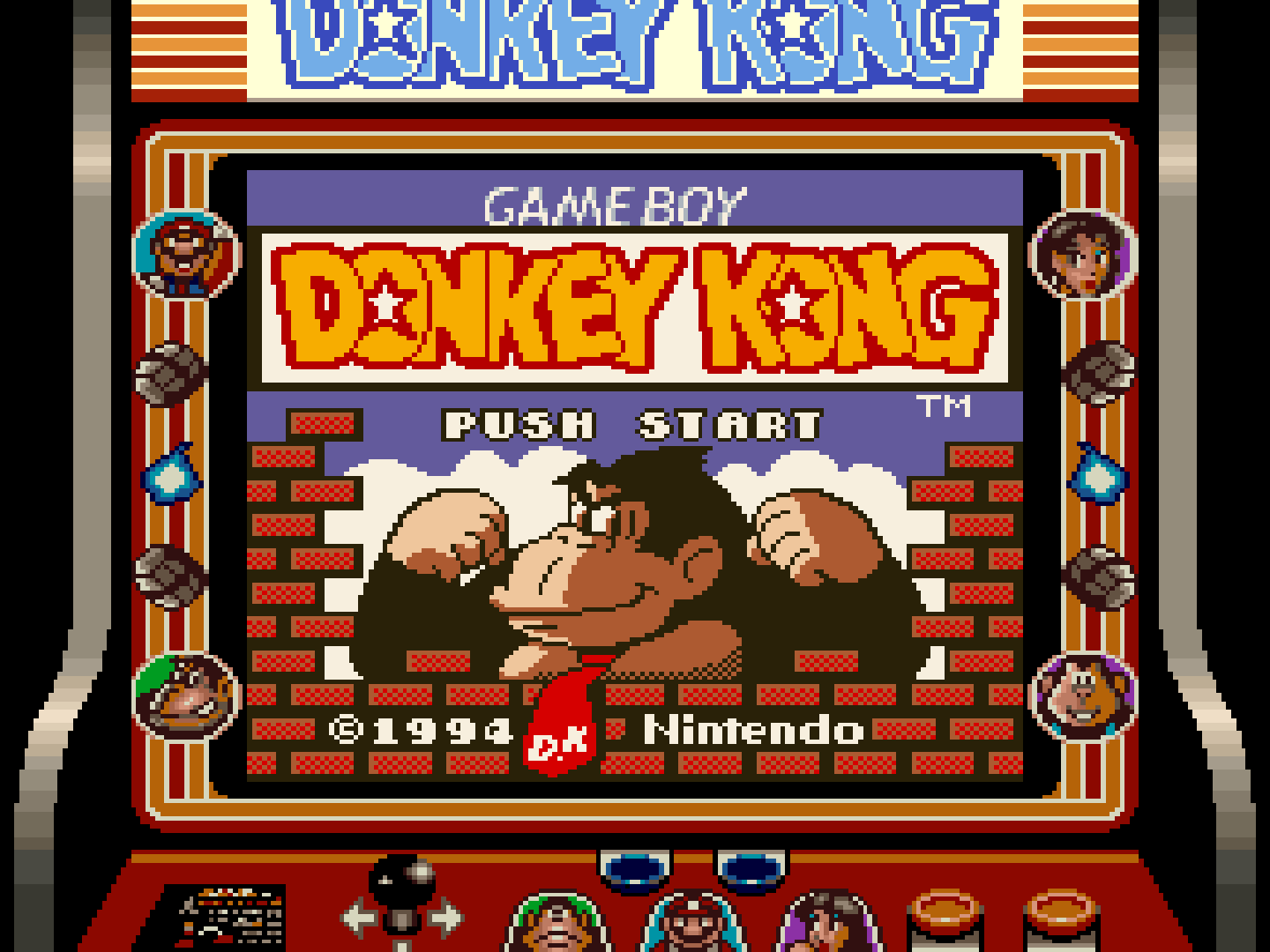
I’m currently doing work on the first point, and I plan on submitting a pull request to get the feature implemented in mainstream mGBA. After that, I’ll also work on the next 2 points. I expect the next few posts might still be focusing on that for a while :P
It is important to remember that while there is no right way to play an older game these days, I simply don’t want everyone to forget what the original look and feel was. “Sonic was an ugly game because the checkerboard patterns hurt my eyes” shouldn’t be the takeaway people have after playing it on a modern system, ignorant that you probably weren’t supposed to be seeing the checkerboard patterns at all (again, see the previous blog post for info about the blending of dithered patterns). I would prefer to simulate the full SNES experience when playing a game in SGB mode, and I’d like to enable that experience for myself and others, but the lines are especially blurred in this case since those are technically still Game Boy games. I wouldn’t blame anyone for playing games in SGB mode with no video filters or correction at all, since it could be argued that they simply want to play the Game Boy game and the added features are just a nice bonus.
Thank you so much for reading, have a nice day.
– Patch