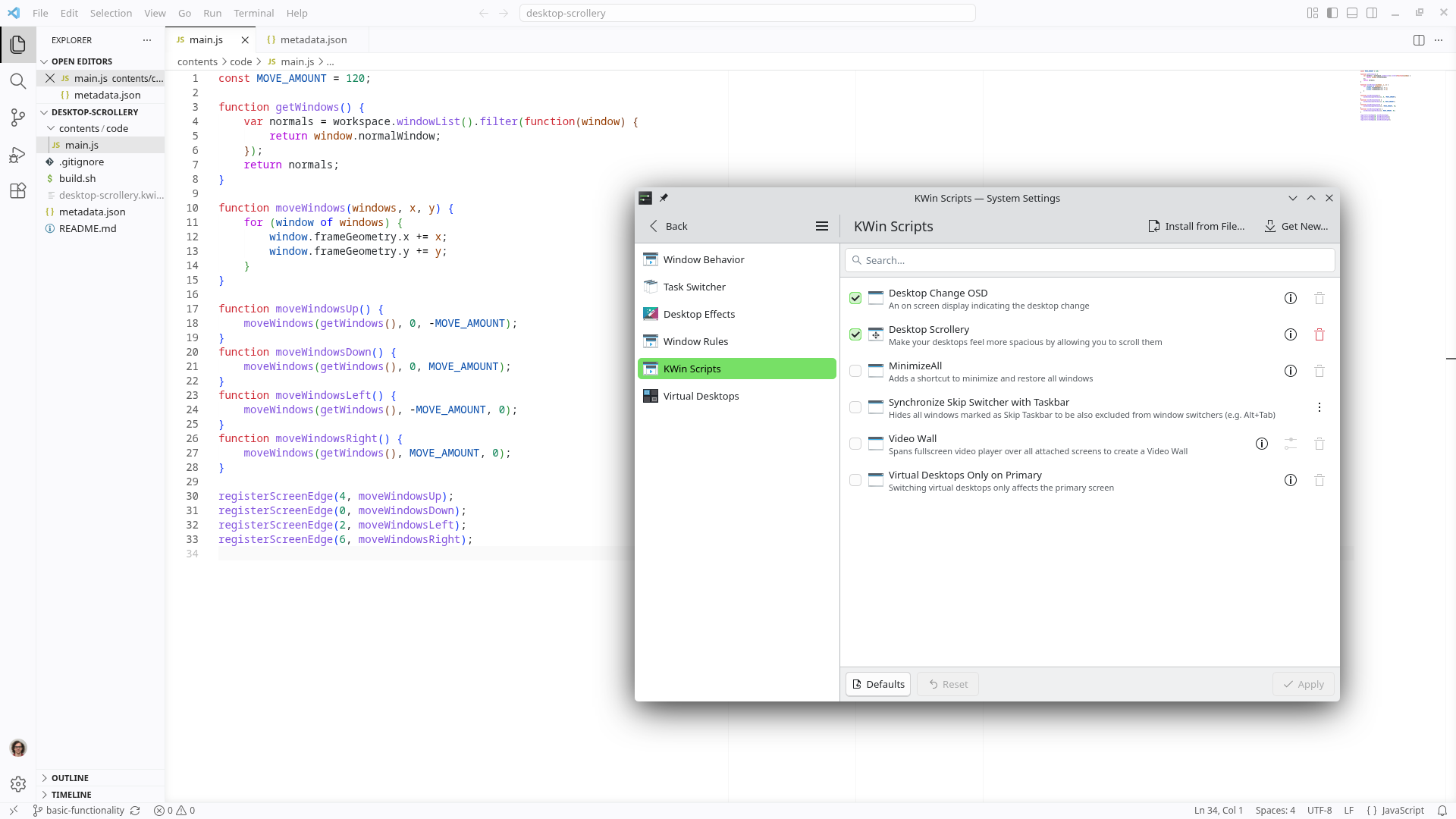
Hello again! Today I’d like to introduce Desktop Scrollery. You can scatter papers all over a physical desktop and shift your gaze to whichever one you want to read. You can try to do this on a computer’s virtual desktop, but you’ll find it’s rather easy to run out of space. Your screen is usually not big enough. I’ve always thought it might be fun to try and complete the skeuomorphism. I’m building a tool that allows you to scroll your windows across your computer’s virtual desktop space to give the sense of moving spatially between windows rather than constantly alt-tabbing to raise windows over currently visible ones. Please note that I’m developing it as a KWin script, meaning it’s only available for KDE Plasma users (so as far as I know, no Mac/Windows support, sorry). Currently, the plan is to slide windows over when your mouse cursor touches the edges of the screen. Here’s a demo of the current functionality.
… As you may be able to see, it’s kinda iffy right now. The windows are supposed to slide over in both axes, not resize only vertically. I’m not comfortable putting it in the main branch yet, so to test drive it yourself you’d have to use the basic-functionality branch. You can check it out on the GitHub repository.
A little history on the development process
This is an idea I’ve had for a very long time. I’ve even tried to implement it before, but I ran into some issues between the gap in the documentation and my current knowledge on the subject.
There are some documentation pages for KWin scripting available, but every time I read them I feel like I’m missing something. For example, there’s an official “KWin scripting tutorial” page, and it provides plenty of useful info, but also omits plenty of crucial info. It describes how a KWin script project is packaged using the KPackage format, but it doesn’t actually describe how to package your script, and the KPackage link they provide doesn’t explain either, instead seeming to cover building KPackage save/load support into full-blown desktop programs. My confusion every time I opened the docs is a huge reason the project has never made it out of the ideation phase before.
This time I decided to just get something done, no matter what it takes me to do it. I went in search of some external examples and resources, and I found an example script to inspire me, Sticky Window Snapping by FLUPP. It’s really easy to follow along if I see how someone else did it. It turns out the package format is really just zipping your project and changing the extension from .zip to .kwinscript. Unbelievable… Brilliant… Look, I understand that this kind of information is probably in the docs somewhere, but when the page is titled “KWin scripting tutorial” I feel like including that information directly on the page would be pretty helpful. Perhaps I should figure out how to contribute to the page just to fix it so the project benefits from my confusion.
Being a sore loser aside, I have been able to test that my project is somewhat functional, so that’s pretty neat. I’m finding myself dreading opening it to continue working on it… This is the furthest I’ve ever gotten with the project, so I think I’m gonna take a rest on it for now and switch to a different project before I burn out too much.
Personal stuff since my last post
Touhou 6’s remaster and rebuild being available on Steam has been a total blast, I didn’t quite realize how much I missed playing these games. For the unaware (most of my audience haha), the Touhou Project is a series of Japanese bullet hell games that draw heavy inspiration from classic arcade shooters like Galaga, 1942, DoDonPachi, etc. The player dodges waves of enemy fire while progressing through the (cheesy) plot. Completing a full playthrough only takes around 30 minutes. They’re difficult, but the difficulty is secondary to the weird and classic vibes. I’m really grateful for a way to easily run the game again, it’s a bit tricky to get the old version running nicely on modern computer systems.
I watched Coyote vs. ACME last weekend with some friends, it was a blast. I didn’t really grow up watching much Looney Tunes, but I had a basic level of familiarity. There were several jokes that I didn’t really understand but they were few and far between. The basic pacing of the humor was extremely pleasant and engaging.
I’m excited for the new changes being brought into Overwatch soon, Doctrine looks like a super fun character and I’m excited for the day he’ll be added to the game in full.
Apparently I’m super susceptible to pressure fluctuations. I was feeling totally crummy yesterday, waking up with a headache and fatigue, which stayed with me all day. Checking the air quality monitor revealed that from the 19th to the 21st, the air pressure went from 1011 hPa to 1001 hPa and back up to 1011 hPa. Yippee. I guess it’s a relief to know that something did this to me rather than some sort of mysterious wind.
Thank you so much for reading, have a nice day.
– Patch